 |
|
|
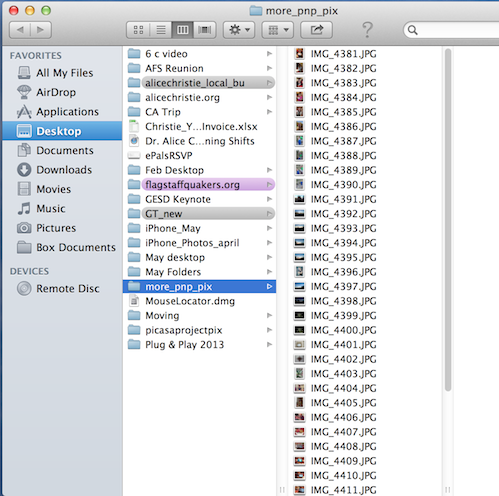
- Navigate to your folder where your pictures are located
|

|
- Select All the photos you wish to reesize
- Click Open
|

|
- All your selected photos appear in a colum on the left
|

|
- Go to the tools drop down window
- Select Adjust Size
|
|
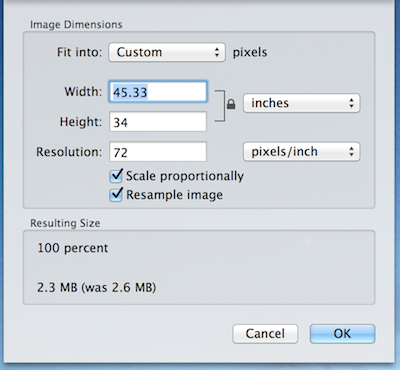
- The screen at the left appears
|

|
- Each of the dimensions shown at the left is possible
|

|
|

|
- Choose a percent of the original you wish
- In this case, I selected 30%
- This reeduces the size of my image from several megapixels to a more reasonable size for the Web
|
 |
- For examp[le, the piucture of Pat was 2.5 megapixels originally
- Now it is 213 KB
- You are now reeady to upload your images to the Web
|