Enabling Learning Shifts
Monday | Tuesday | Wednesday | Thursday | Friday
Monday Afternoon: 3:15 – 5:15 PM
- Welcome | Photos of Participants (UPDATED 6/12/13)
- Action Shots of our Strand - NEW
- Geocaching Action Shots - NEW
- Getting to know a Macintosh
- Handout
- Introductions via Padlet and built-in laptop cameras for photos
- This online space will serve as a resource for participants to learn about other participants
- Participants will use built-in cameras in laptops to add their photos to their Padlet introductions
- Participants can create additional Padlets to share or gather information throughout camp
- Our inspiration for the week!
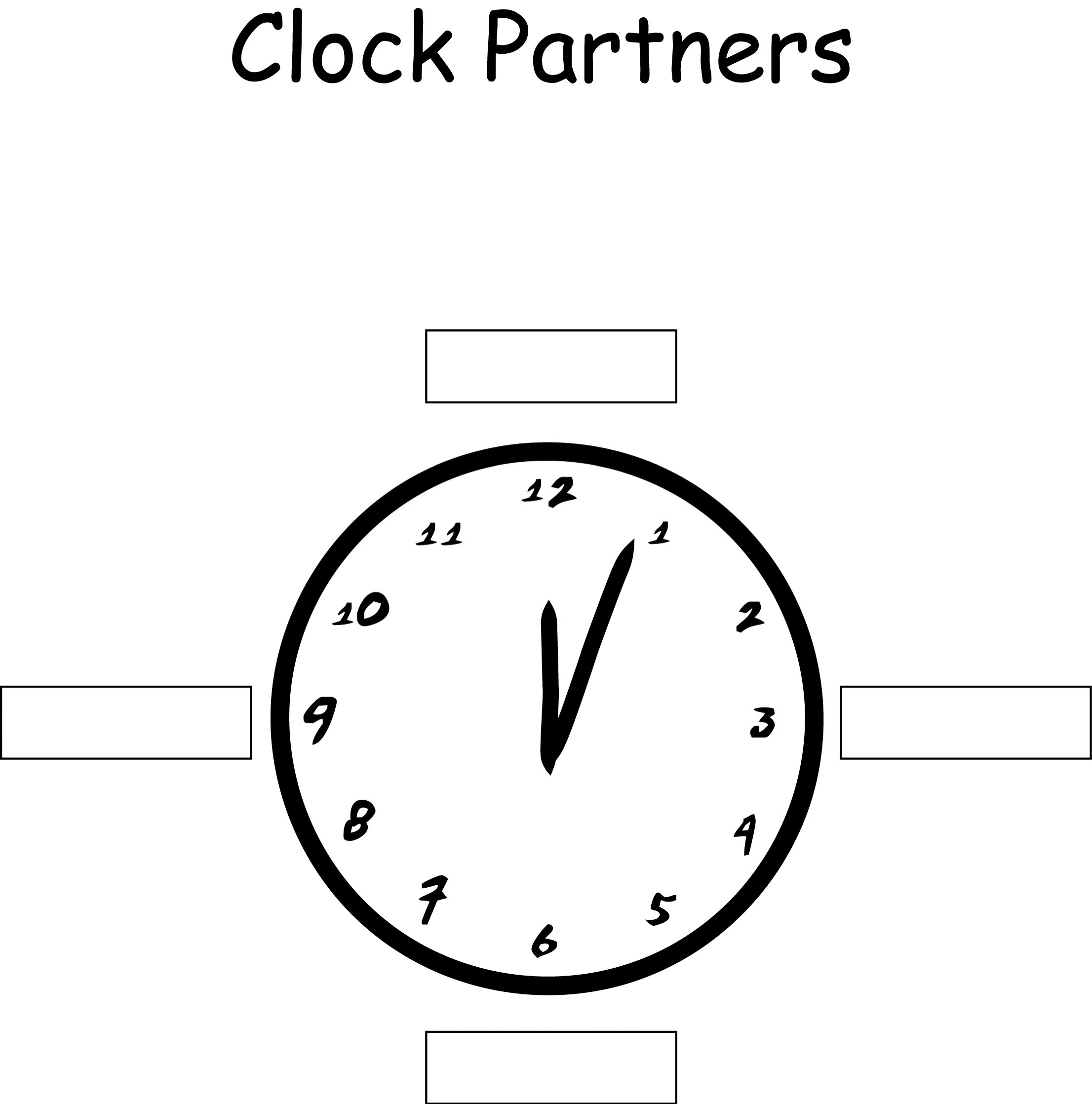
- Establish Clock Partners for varied pairing
- Understanding the ISTE NETS•S
- Introduction to Dr. Christie's Six C Model:
- Create
- Communicate
- Collaborate
- Connect
- Contextualize
- Critique
- Visualizing the Six Cs using Animoto
- Form six small groups (based on grade level)
- Take notes collaboratively using a pre-loaded PrimaryPad. Group pads listed below:
- Storyboard your video (Sample | More About Storyboards)
- Create a one-minute Animoto video on one of the six Cs (to share Tuesday morning). Or, if have already used Animoto, try using weavly.
- Send link of Animoto (or weavly) video to Dr. Christie
- Reflect on afternoon’s activities
- HOMEWORK
- Please complete this SHORT SURVEY
- Create an Edmodo Account if you don't already have one. Then click Join Group. Our Group Code is pv8nik. There you can see messages from Alice and Emily, share your own ideas, post questions, and much more. Please use Edmodo throughout our week at camp!
- Teacher Resources to Explore
- remind101: A safe and free way for teachers to text message students and stay in touch with parents
- weavly: a free and easy to use video and music mixing browser app.

Tuesday Morning: 8:30 – 10:00 AM – Teaching and Learning are the FOCUS! Technology is the TOOL!
- Share Animoto videos with the whole group
- Create byCheri, Karolyn, Andriana, Cesilia, and Joel
- Communicate by Kelly, Elana, Karl, Stacie, and Alice
- Connect and Collaborate by Jill, Betty, Norma, Horacio, and Bruce
- Contextualize byPatty, Autumn, Pamela, Pat, Mary, and Gretchen
- Critique by Jean, Rony, Katie, Terry, and Becky
- 6 Cs by Dr. Christie
- Go to Edmodo and share your comments about each video.
Closure
- How can you integrate ISTE NETS•S with content area standards?
- How can you share ISTE NETS•S with your colleagues
Explore and Choose a Portfolio Tool
- Possible Tools to Create an ePortfolio
- Participants choose their e-Portfolio tool so they can add learning objects they create as they complete each learning object
10:00 – 10:15 AM Break
Tuesday Morning: 10:15 – 11:45 AM – Introduction to Tools to Contextualize
Lunch: 11:45AM – 12:45PM
Tuesday Afternoon Session A: 12:45 – 2:15 PM
- Use any CONTEXTUALIZE TOOL to create a learning object for use in your classroom that will enable learning shifts
- Add learning object to your portfolio
Tuesday Afternoon Session B: 2:30 – 4:00 PM: Tools to Critique
- Tools to critique and think critically
- Send Alice examples for Create that you or your students have created.
- Reflect on day's activities
4:00 – 4:45 PM Optional Open Lab
Wednesday Morning: 8:30 – 10 AM – Introduction to Tools to Create
- Tools to create movies (Animoto, Blabberize, PhotoPeach, Slide.ly, GoAnimate, iMovie)
- Tools to create and share drawings (SlideShare, SmileBox, GDrawings)
- Tools to create presentations (Prezi, Glogster)
- Tools to create word clouds (Wordle.net, Tagxedo)
- Tools to create a mind map (bubbl.us, MindMeister, Popplet, Webspiration, Graph Words)
- Tools to write (VoiceThread, Google Docs, StoryBird, ZooBurst)
- Tools to create polls (PollEverywhere, SurveyMonkey, SurveyLegend, Google Forms)
- Tools to create comics (MakeBeliefsComix, ToonDoo, Comics Head)
- Tools to create web sites (Google Sites, Weebly, WordPress, PBWorks)
- Tools to create audio creations (Audacity, Voki, RecordMP3)
- Tools to teach screencasting (Jing, Screen-o-matic)
- Games as Tools (Mindcraft, Machinima, Gamestar Mechanic)
- Note: Use Socrative to identify top tools, or drop least desired
10:00 – 10:15 AM Break
Wednesday Morning 10:15 – 11:45 AM Create Learning Objects with TOOLS TO CREATE
- Use any three to four CREATE TOOLS to create three to four learning objects for use in your classroom that will enable learning shifts
- Add each learning object to your e-Portfolio
Closure:
- What is the difference between “make” and create?
- How can you get students there?
- Note: Use Poplet to record ideas.
11:45AM – 12:45PM Lunch
Wednesday Afternoon: 12:45 – 2:15 PM – Create Learning Objects with Tools to Create
- Use any three to four CREATE TOOLS to create three to four learning objects for use in your classroom that will enable learning shifts
- Add each learning object to your e-Portfolio
Wednesday Afternoon: 2:30 – 4:00 PM–Introduction to Tools to Communicate
Wednesday Afternoon: 4:00 – 4:45 PM – Optional Class: Explore Teacher Tools
Thursday Morning: 8:30 – 10 AM – Introduction to Tools to Connect And Collaborate
- Respond to Tony's Survey
- Resizing Photos in Preview Tutorial
- Photos to download
- Tools to connect (ePals, Skype in the Classroom, Flat Classroom)
- Tools to collaborate (Padlet, Lino, Creative Commons (remix), EtherPad, Google Drive)
- Tool to create a kid-friendly social network (Edmodo)
- Tools to share ideas with others (Diigo, Classroom 2.0, Backchan,nl, DropBox, Posterous Spaces, Mural.ly)
Thursday Morning: 10:15 – 11:45 AM – Create Learning Objects with Tools to Communicate and Tools to Connect and Collaborate
- Use any COMMUNICATE TOOL to create a learning object for use in your classroom that will enable learning shifts
- Use an two CONNECT and COLLOBORATE TOOLS to create learning objects for use in your classroom that will enable learning shifts
- Add each learning object to your e-Portfolio
- Reflect on the day’s activities
11:45AM – 12:45PM Lunch
Thursday Afternoon: 12:45 – 2:15 PM – Finish All Learning Objects
- Add each learning object to your e-Portfolio
Thursday Afternoon: 2:30 –4:00 PM – Finish ePortfolios
- Discussion of how to give feedback and how to use feedback from peers
- Share your ePortfolio with 2 other participants
- Provide feedback (using the rubric) to other participants
- Use the feedback from other participants to strengthen your ePortfolio
- Reflect on the day’s activities
Thursday Afternoon: 4:00 – 4:45 PM – Optional Open Lab
Friday Morning: 8:30 – 10 AM – Share, Critique, and Reflect
|